

Time Tracker
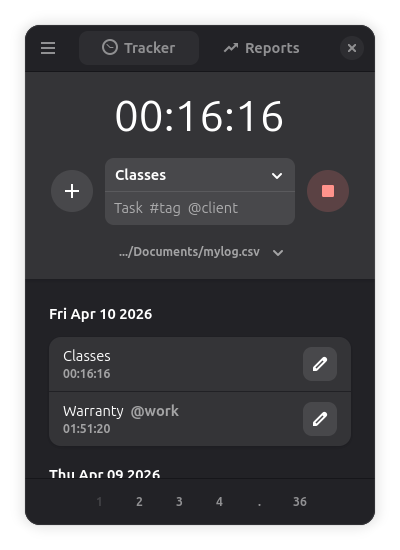
Discover how the Time Tracker app for Linux delivers secure, local-first productivity tracking with seamless cloud syncing. Read our full review.
Finding a reliable utility to monitor your working hours without sacrificing data privacy can be a challenge, but the Time Tracker local productivity tool offers an elegant, system-native solution. Built on robust GNOME technologies, this Linux application bypasses the typical cloud-only subscription models to give you complete ownership over your workflow records. If you are tired of relying on external servers just to log your daily tasks, this utility provides a refreshing, offline-first alternative.
Why Choose a Local-First Productivity Solution?
Most modern tracking services require active internet connections and store your sensitive operational data on third-party servers. The Time Tracker local productivity tool changes this dynamic by prioritizing local storage. This architectural choice ensures near-instantaneous performance and guarantees that your data remains accessible even when you are completely offline.
Robust Synchronization and Data Integrity
While local-first is excellent for privacy, professionals often need to work across multiple workstations. This program solves the multi-device dilemma with smart synchronization features:
- Flexible Cloud Sync: Keep your logs updated across different computers by syncing your database file via your preferred network or cloud storage provider.
- Conflict Prevention: Automated checks run regularly to identify and resolve potential sync conflicts, ensuring no work sessions are accidentally overwritten.
- Automated Backups: The application creates routine backups of your database, providing peace of mind against unexpected hardware failures.
Tailor-Made for Linux Power Users
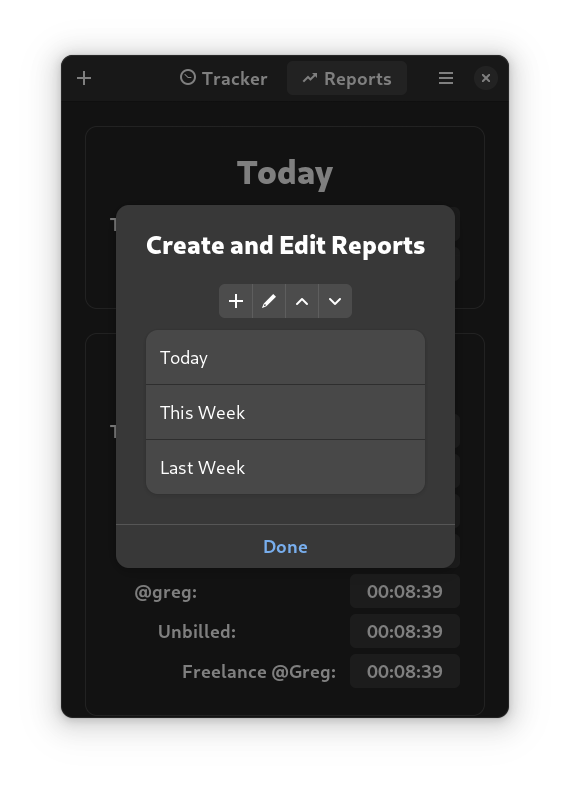
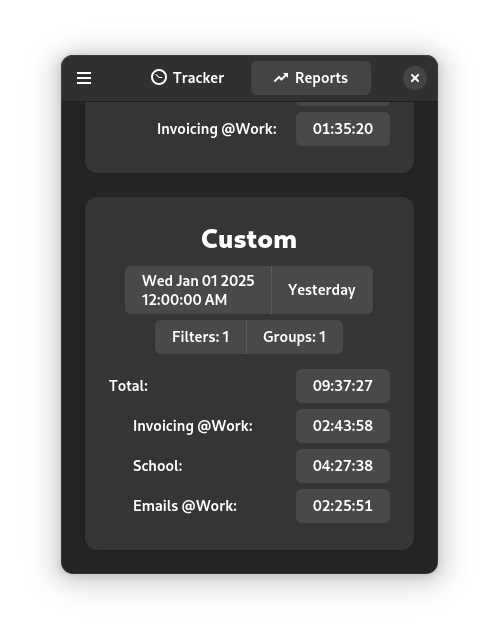
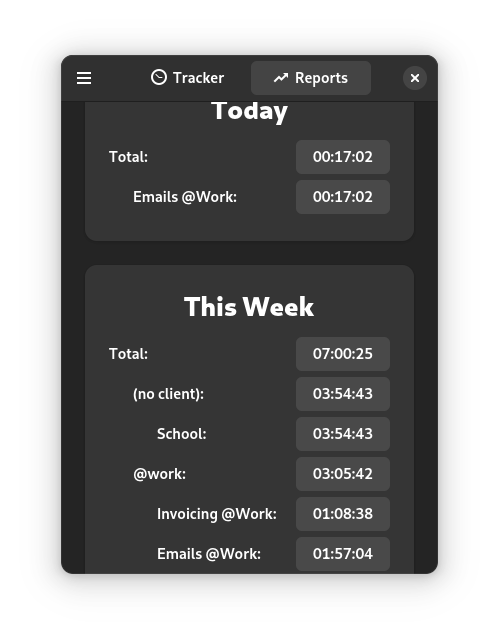
The software is designed to integrate seamlessly into modern Linux desktop environments. It leverages clean GNOME design principles, making it highly intuitive from the very first launch. Beyond simple start-and-stop timers, you can organize your work by specific projects, evaluate time distribution, and export data in universally compatible formats.
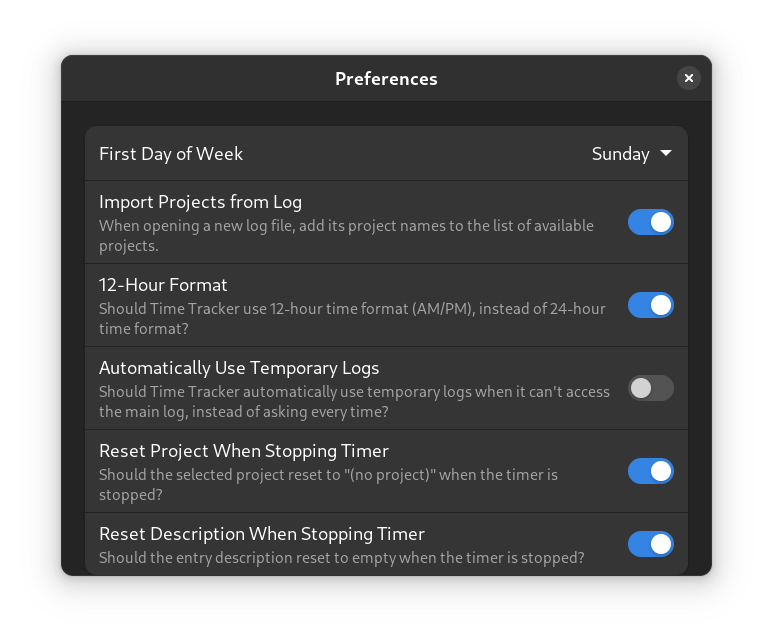
Because the underlying database utilizes standard CSV formatting, you can open your tracking files directly in spreadsheet software like LibreOffice Calc or Microsoft Excel for advanced reporting. Furthermore, the platform allows you to define custom fields and columns, giving you complete control over how your productivity metrics are structured and formatted.
Is the Time Tracker Local Productivity Tool Right for You?
If you are a Linux developer, freelancer, or system administrator who values data sovereignty, lightweight system footprints, and simple customization, this tool is an ideal fit. It avoids the bloat of web-based platforms while retaining the essential synchronization features required for multi-device workflows.
To experience this streamlined approach to workflow management yourself, head over to the official Flathub store page to check out the application and integrate it into your Linux setup.