

Reminduck
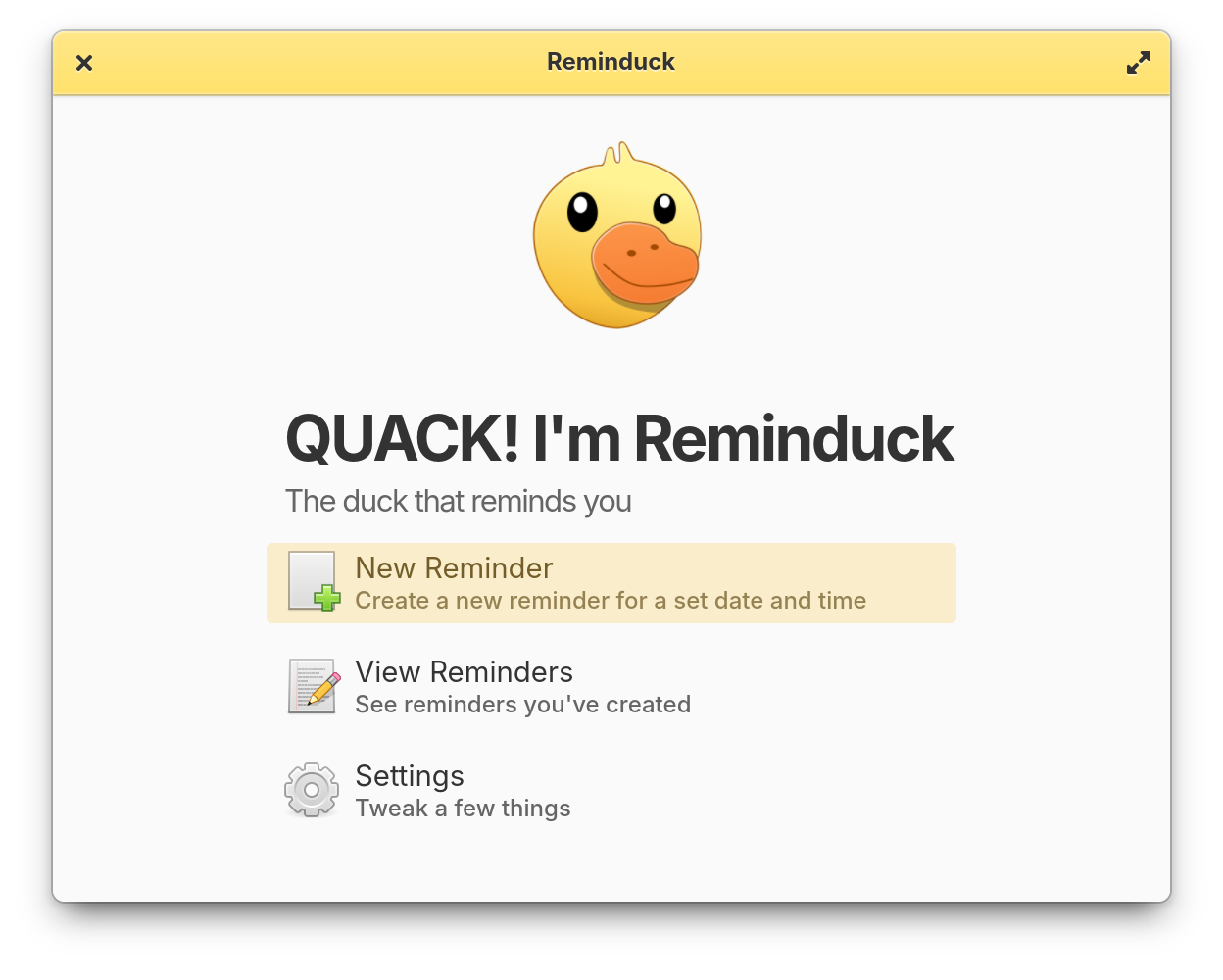
Read our comprehensive review of Reminduck, the charming Linux reminder tool designed to keep your daily schedule on track with a delightful twist.
A Refreshingly Simple Way to Stay on Track
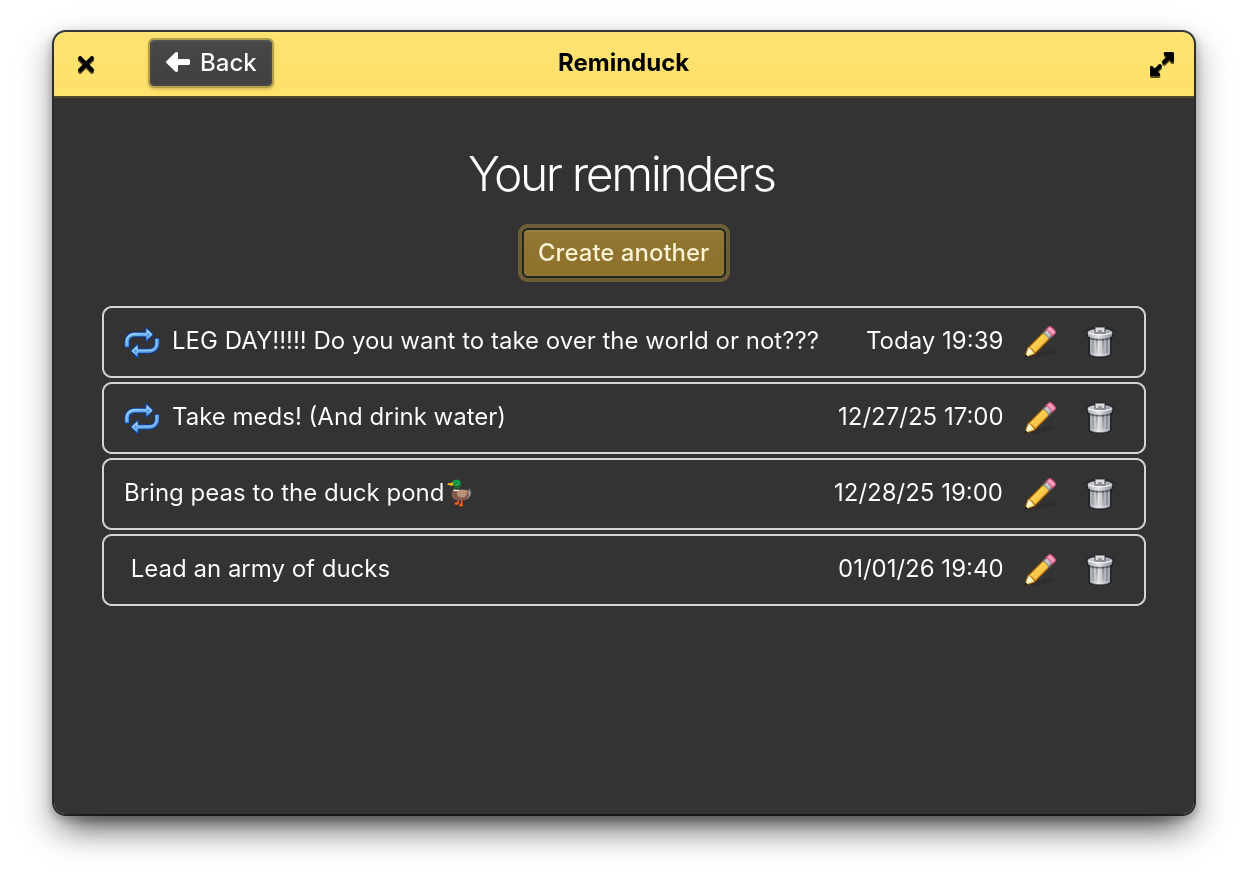
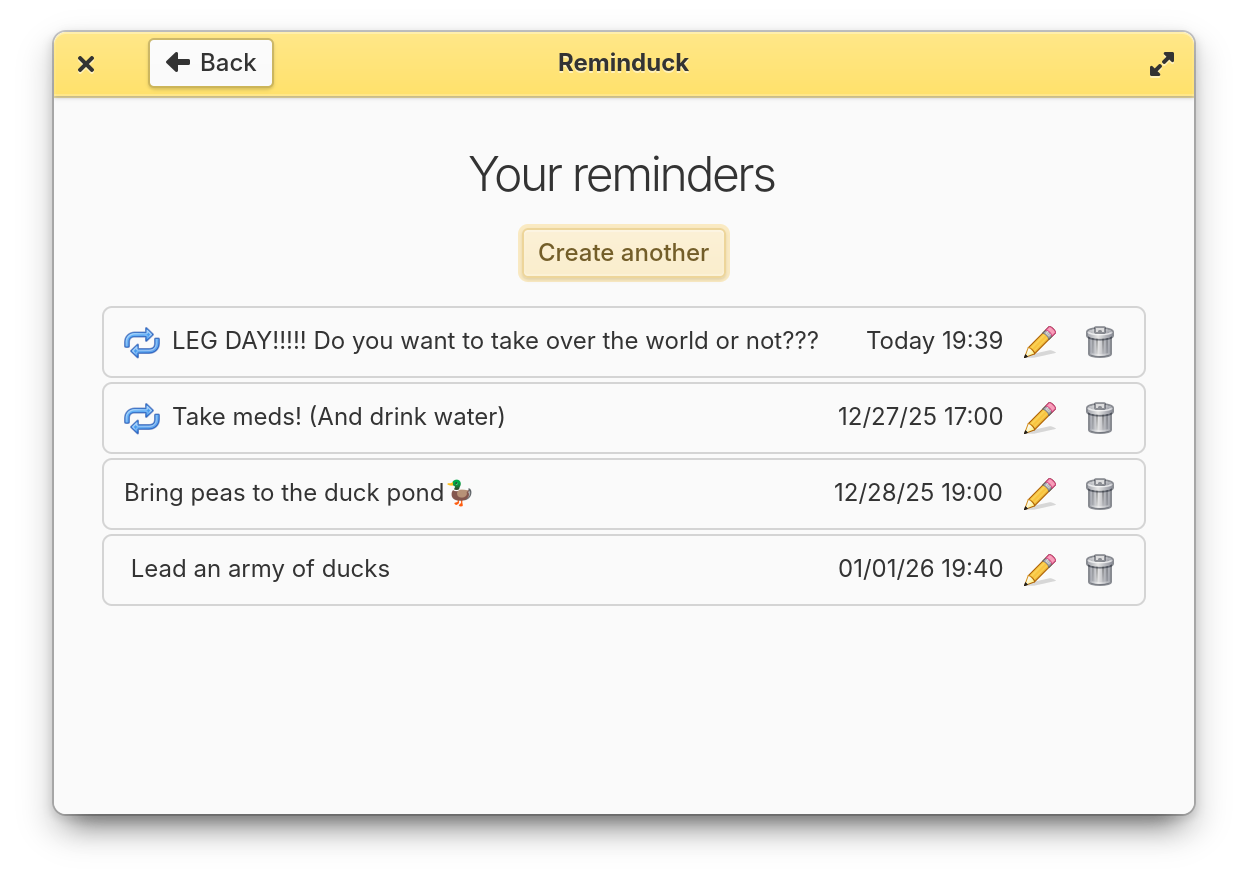
If you have ever found yourself overwhelmed by complex task managers bloated with subtasks, collaboration tools, and endless configurations, the Reminduck reminder app offers a breath of fresh, minimalist air. Built specifically for the Linux platform by developers Matheus Fantinel and Stella, this utility strips away the noise to focus on one fundamental objective: ensuring you never forget your time-sensitive tasks.
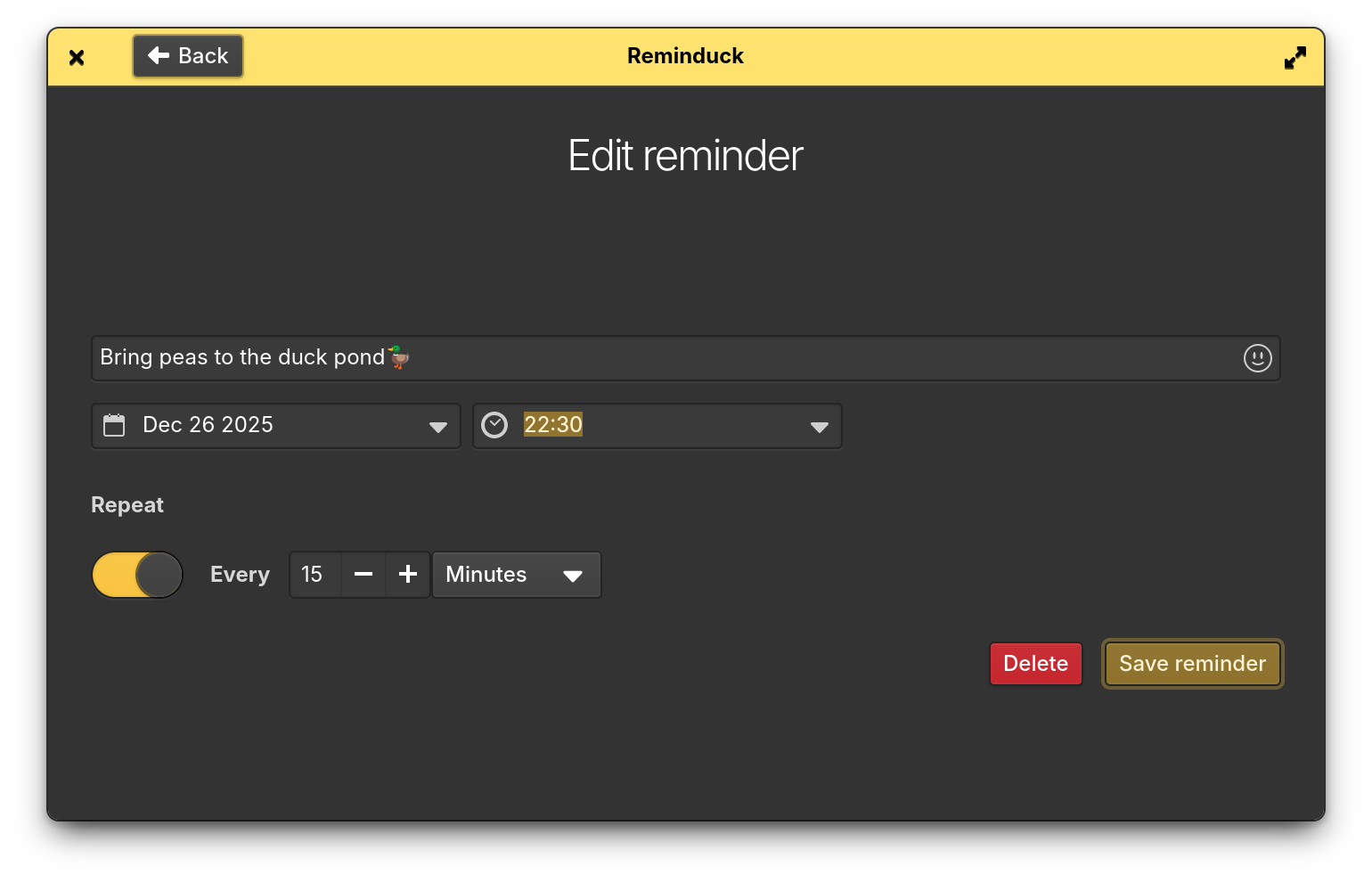
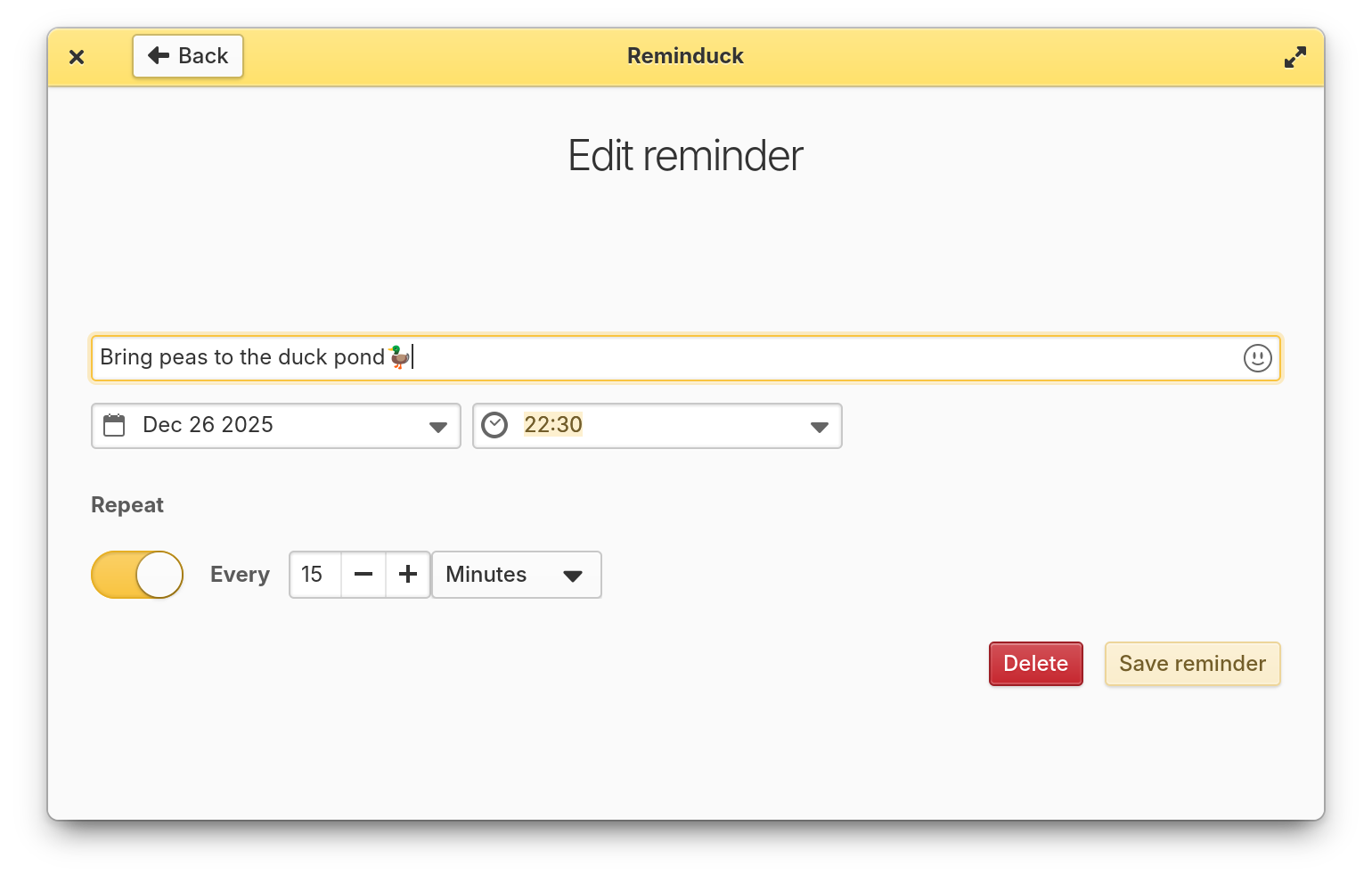
From the moment you launch it, the experience is delightfully straightforward. Instead of demand-heavy scheduling algorithms, you are greeted with a clean interface designed for rapid entry. You set a time, choose a date, write a brief note, and let the application handle the rest. And yes, true to its name, it alerts you with a distinct, cheerful quack that is impossible to ignore.
Key Features of the Reminduck Reminder App
While some tools try to be everything to everyone, this software excels by keeping its scope intentionally focused. Here is what makes it a valuable addition to your Linux desktop setup:
- Streamlined Scheduling: Quickly configure simple alarms or recurring events without navigating complex nested menus.
- Flexible Recurrence: Easily set up daily, weekly, or monthly alerts to manage your routine tasks, habits, and deadlines.
- Lightweight Footprint: Designed natively for Linux, it runs efficiently in the background without draining system resources.
- Open-Source Collaboration: The project welcomes community input. Users can actively contribute ideas, report issues, or submit pull requests to help shape future updates.
- Charming Audio Alerts: The signature duck quack notification ensures your reminders cut through the daily digital noise in an adorable yet effective way.
Who Is This Linux Reminder Utility For?
The Reminduck reminder app is tailored for users who value simplicity and desktop efficiency. If your productivity workflow is centered around quick personal prompts—like remembering to drink water, stretching every hour, or submitting weekly reports—this utility fits perfectly. It bypasses the learning curve of enterprise project management suites, making task logging instantaneous.
However, power users looking for deep calendar integrations, location-based triggers, or complex dependency mapping may find it too basic. Its strength lies precisely in its limitations; it does one job, and it does it with character.
An Editorial Perspective
In a software landscape dominated by subscription models and feature creep, this free Linux tool is a welcome reminder of the utility of single-purpose desktop applications. It injects a sense of personality into everyday productivity. If you are ready to simplify your schedule and enjoy a whimsical audio prompt when things are due, we highly recommend checking out this project. You can explore the application and add it to your system by visiting the official Flathub store page today.