
edgeTile
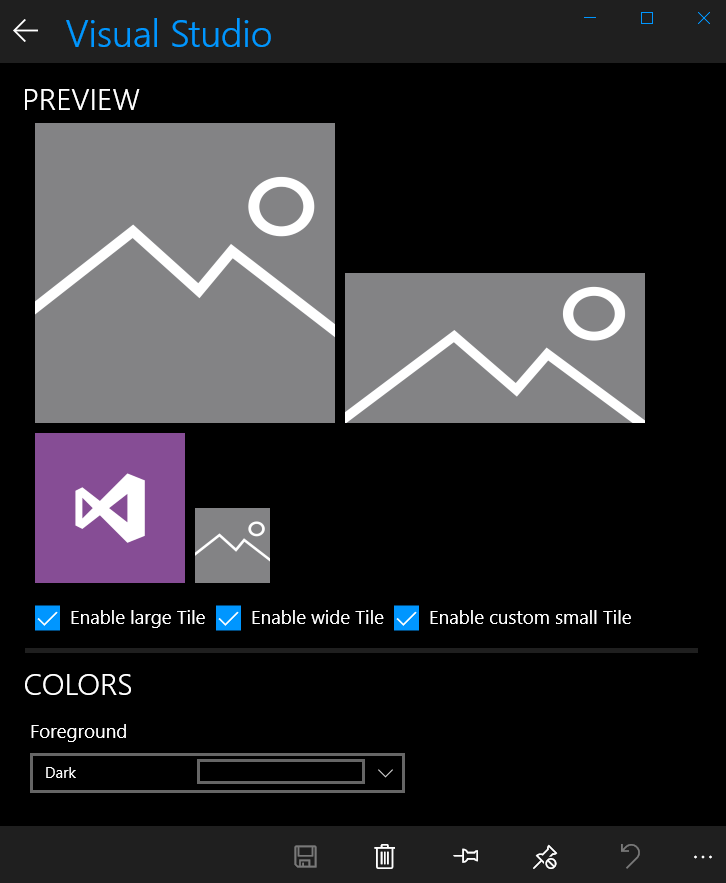
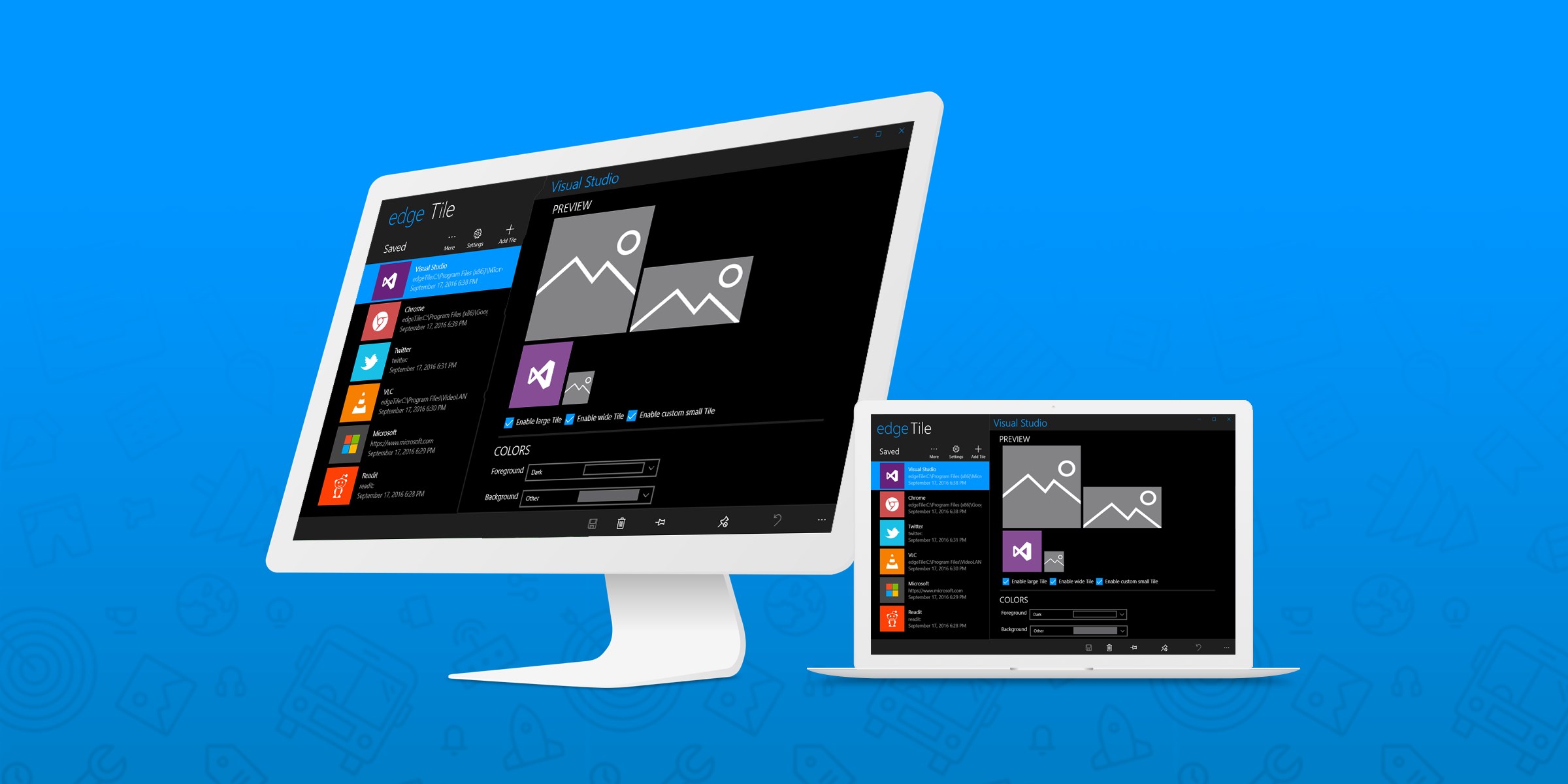
Discover how edgeTile customizes your Windows Start Screen. Read our full review of this powerful tile creation tool and design your perfect workspace.
The Problem with Standard Windows Tiles
Many Windows users face a common visual frustration: an inconsistent, chaotic Start Screen. While some of your favorite programs or websites offer beautiful Live Tiles, others rely on generic icons that disrupt your carefully curated aesthetic. The edgeTile custom tile creator solves this exact problem, giving you complete design control over your Windows environment.
What is the edgeTile Custom Tile Creator?
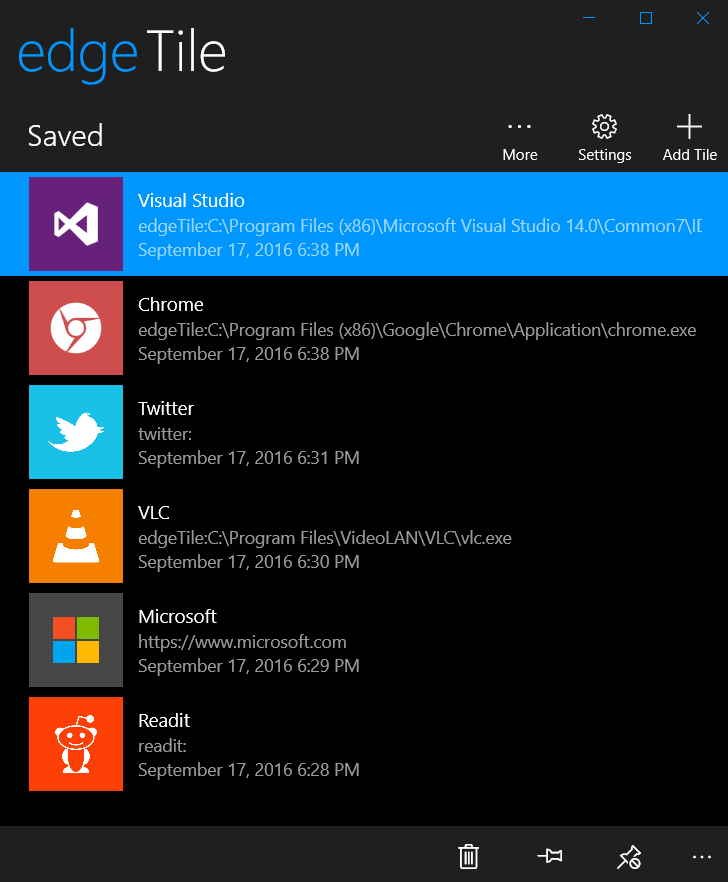
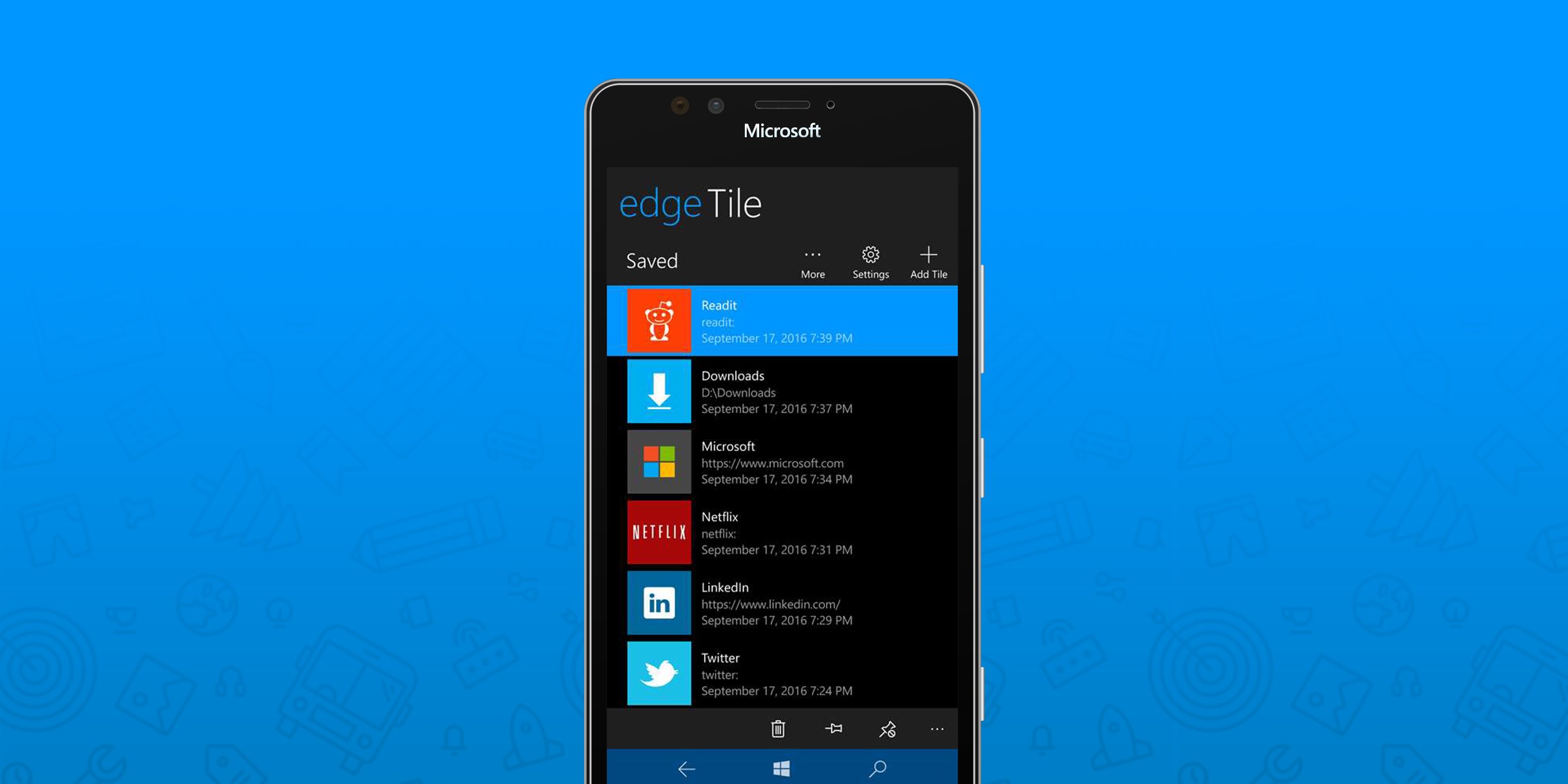
Developed by Francesco Bonacci, edgeTile is a Universal Windows Platform (UWP) utility designed to help you build, customize, and pin personalized tiles directly to your Start Screen. Whether you want to launch a desktop application, open a frequent website, or access a specific folder, this tool integrates them seamlessly into your layout. Because it is built as a UWP app, your custom creations remain compatible across your Windows 10 devices.
Key Features and Capabilities
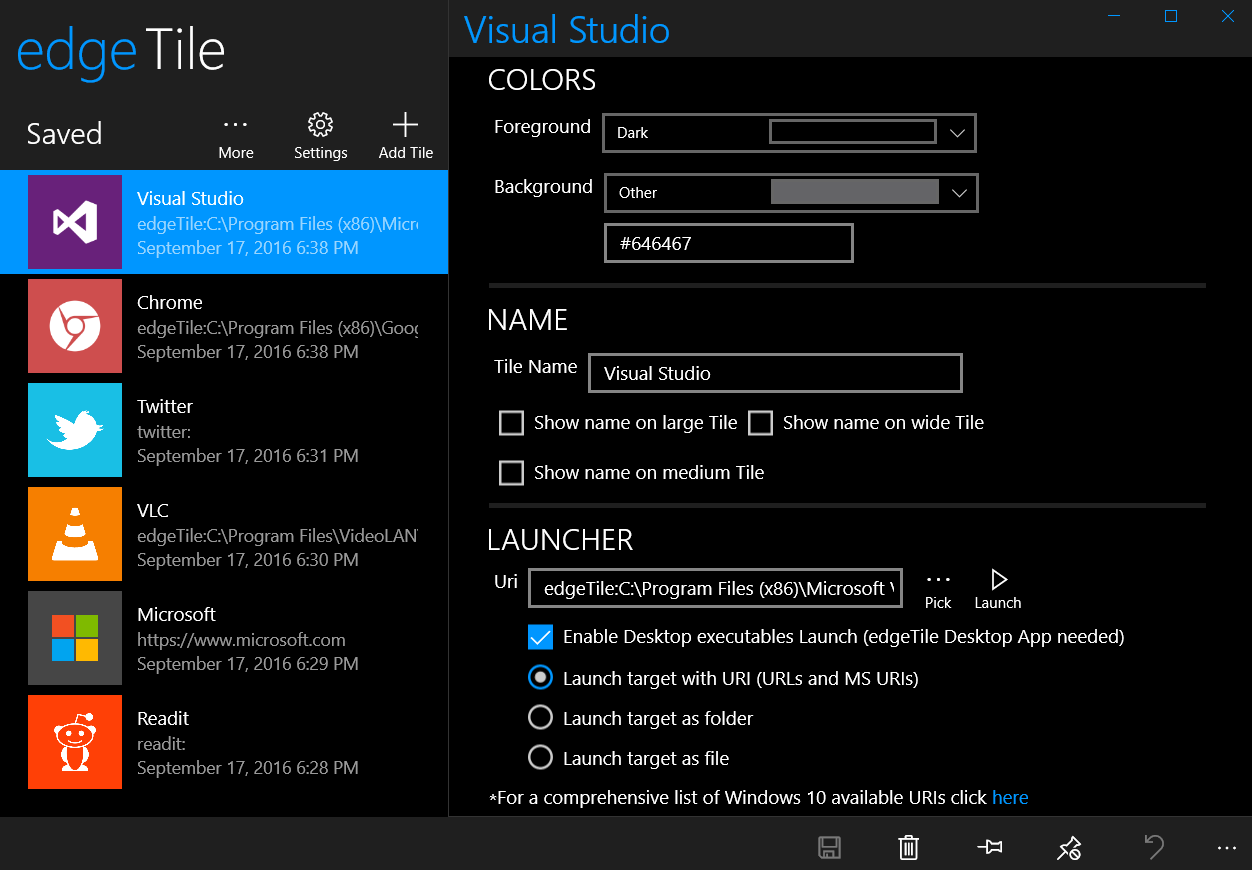
- Multi-Target Launching: Create custom shortcuts for traditional desktop apps, files, folders, and web URLs.
- URI Support: Launch modern apps and web links using both standard URLs and specialized Microsoft URIs.
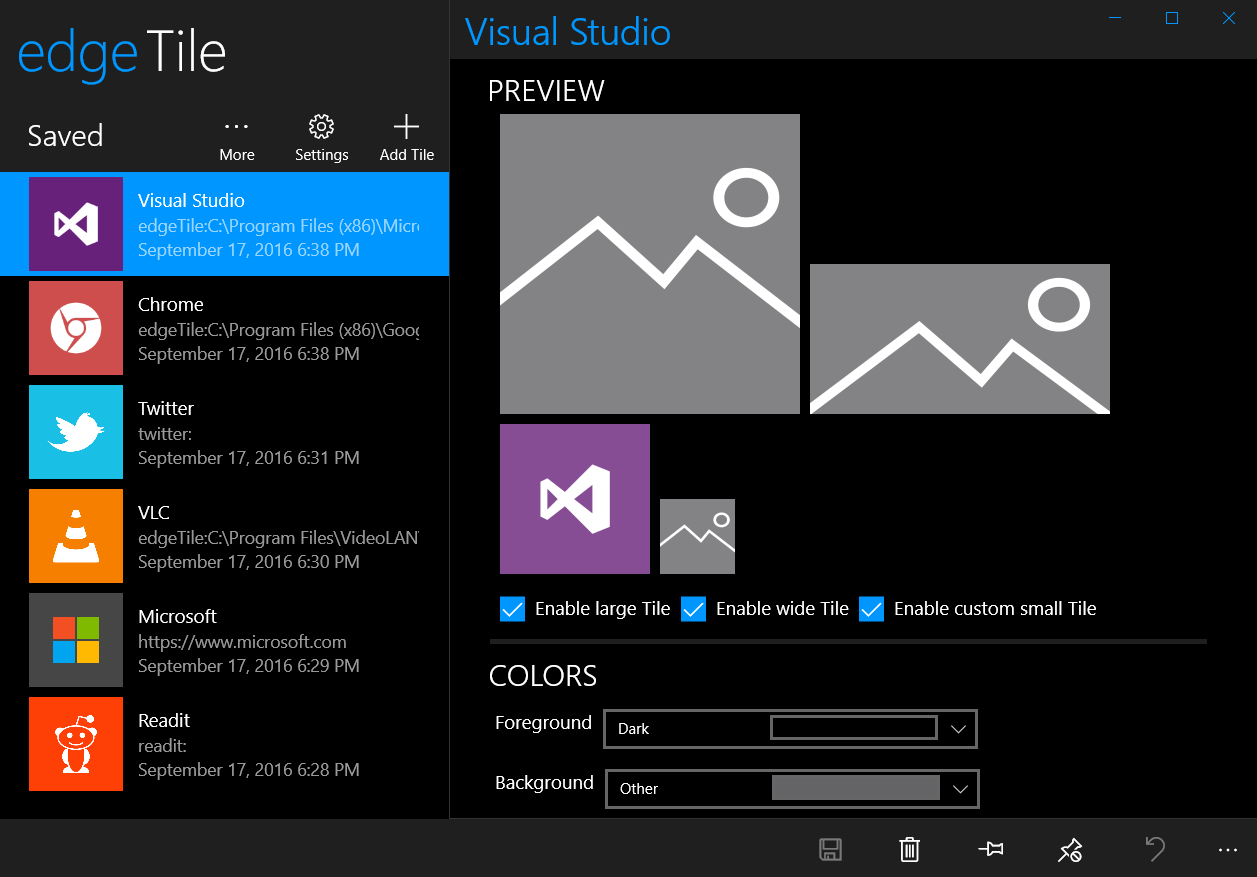
- Complete Size Personalization: Tailor your layout with support for Small, Medium, Wide, and Large tile formats.
- Desktop Bridge Integration: Thanks to its participation in the Desktop Bridge Program, launching classic desktop applications no longer requires a separate proxy app.
- Backup and Portability: Easily import and export your tile configurations to ensure your hard work is never lost.
Streamlining Your Workflow
The beauty of the edgeTile custom tile creator lies in its utility. It includes a handy URI cheat sheet to help you map complex app paths without hassle. For power users looking to declutter their screen, a clever window-dragging trick lets you bypass the default splash screen entirely, making your custom launches feel instantaneous and native.
Is It Right for You?
If you value a clean, functional, and highly personalized desktop workspace, this utility is an excellent addition to your system. It bridges the gap between web shortcuts, classic legacy software, and the modern Windows interface. To explore its full feature set and start designing your own interface, visit the official Microsoft Store page to get started.